
Online giving
Page Library
Online giving
An online giving page for churches and ministries that want generosity to feel like joining in, not being asked. It explains the ways to give, shows where last year's gifts went with simple numbers, offers recurring monthly giving through your own plans, and answers the practical questions about receipts, tax deductions and changing a gift. The tone is grateful and low pressure, which suits guests and long-time members alike. Swap in your own figures and ministries, set up plans for your giving levels, and keep the FAQ honest.
Give
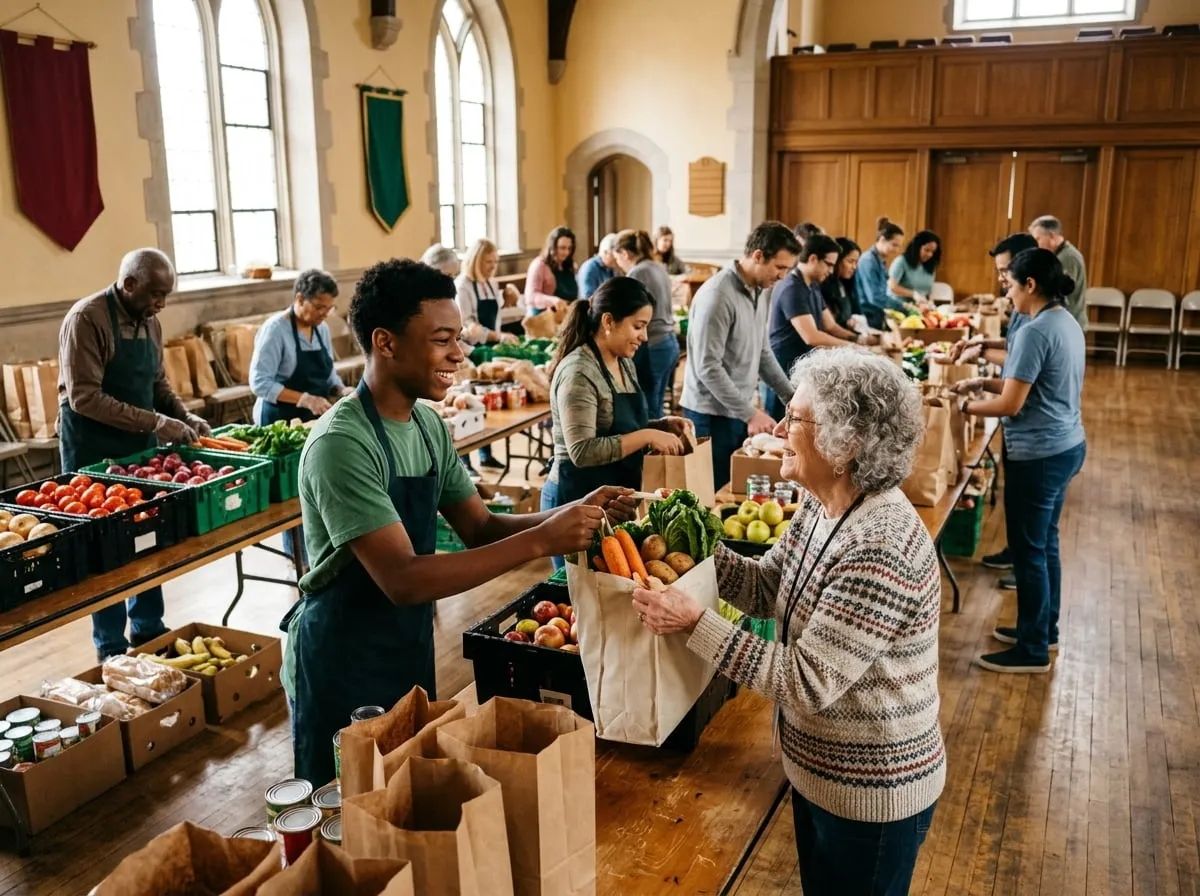
Generosity changes Savannah, one neighbor at a time
Every gift to Grace Harbor Church feeds families, supports kids and keeps our doors open seven days a week. Thank you for being part of it.
Ways to give
Choose whatever is easiest for you. Every method is secure, and every gift is receipted.
Online
Give once or set up a monthly gift by card or bank transfer below. Bank transfers mean more of your gift goes to ministry.
On Sunday
Use the giving boxes by the sanctuary doors, or the envelopes in the seat backs. Add your name for a receipt.
By mail
Make checks payable to Grace Harbor Church and mail them to 2140 Abercorn Street, Savannah, GA 31401.
Stock and legacy gifts
Give appreciated stock, from an IRA or in your will. Our finance team will walk you through it confidentially.
Where your gifts went in 2026
Our budget is reviewed by an elected finance team and audited every year. The full report is shared at our annual meeting each February.
That added up to 11,300 bags of groceries, 26 home repairs for older neighbors, a summer camp for 140 kids and tutoring three afternoons a week at Liberty Elementary. Thank you.

Give regularly
Why monthly giving matters
Summer Sundays are quieter, but the pantry line isn't. Regular gifts, however small, let us plan ahead, say yes when a neighbor's roof starts leaking and pay our staff fairly all year round.
Monthly givers also receive a short quarterly letter from Rev. Angela Brooks with stories from the ministries you support, and an annual statement every January for your taxes.
We started at $25 a month when we were barely getting by. It reminded us that we had something to share. We've never once missed it.
Set up a monthly gift
Pick a level, or choose Any Amount to set your own. Change or stop it any time from your account.
Neighbor
$25 per month
- Feeds a family of four for a week each month
- Quarterly letter from our pastors
- Annual giving statement
Harbor Partner
$100 per month
- Funds a child's place at summer camp every year
- Quarterly letter from our pastors
- Annual giving statement
- Invitation to the yearly partners' dinner
Any Amount
You choose monthly or once
- Give the amount that is right for you
- Give to the general fund or a specific ministry
- Receipt by email for every gift
Questions about giving
Is my gift tax-deductible?
Yes. Grace Harbor Church is a registered 501(c)(3) nonprofit, so gifts are tax-deductible to the extent the law allows. You'll get a receipt for each online gift and a year-end statement by January 31.
Is giving online secure?
Yes. Payments are handled by our payment provider over an encrypted connection, and we never see or store your full card number.
Can I give to a specific ministry?
Yes. When you give, choose the Harbor Pantry, Kids and Youth, Global Partners or the general fund. Gifts to the general fund go where the need is greatest.
How do I change or stop a monthly gift?
Sign in and open your account page, where you can change the amount, the date or the card, or cancel. If you'd rather talk to someone, email hello@example.com.
I'm new. Am I expected to give?
Not at all. If you're visiting or still finding your feet, please just enjoy being here. Giving is a joyful choice, never an entry fee.
Thank you for your generosity
"Each of you should give what you have decided in your heart to give, not reluctantly or under compulsion." 2 Corinthians 9:7
Use this page
Make it yours in a few minutes
- Find it in your Control Panel. Go to Content > Page Library and search for "Online giving".
- Add it to your site. Choose a title and a department. The page arrives as a draft, with its pictures copied to your site and your site's name already in place.
- Change the words and pictures. Open it in the page builder, replace the sample text and images with your own, and make it live when you are ready.