
Free trial offer
Page Library
Free trial offer
A sales page for gyms, yoga studios and online fitness memberships that lead with a free trial. It opens with the offer and a clear button, shows what the trial includes, explains the three simple steps from sign-up to first class, and then lays out your plans so people know what happens on day 15. Member reviews and a short FAQ handle the usual doubts about canceling and fitness levels. Set your trial length, choose your plans on import and swap in photos of your own space.

14-day free trial
Two weeks of classes, on us
Unlimited studio classes in Northeast Minneapolis and every on-demand class in Northside Online. No commitment, and cancel in two clicks if it isn't for you.
Everything a member gets, free for 14 days
Unlimited studio classes
Over 60 classes a week: vinyasa, yin, strength, HIIT, cycle and Pilates mat.
Northside Online
More than 400 on-demand classes from 10 to 60 minutes, plus three live streams a week.
A welcome session
A free 30-minute session with an instructor to talk goals, injuries and which classes to try first.
Mats and towels
Bring yourself and a water bottle. We supply mats, blocks, straps and fresh towels.
How the trial works
Sign up in two minutes. Choose the plan you'd like after your trial. You won't be charged for 14 days.
Book your first class. Reserve a spot in the app or online, or press play on any class in Northside Online.
Decide at your own pace. We'll email you three days before your trial ends. Keep going and your plan starts on day 15, or cancel from your account with no charge.
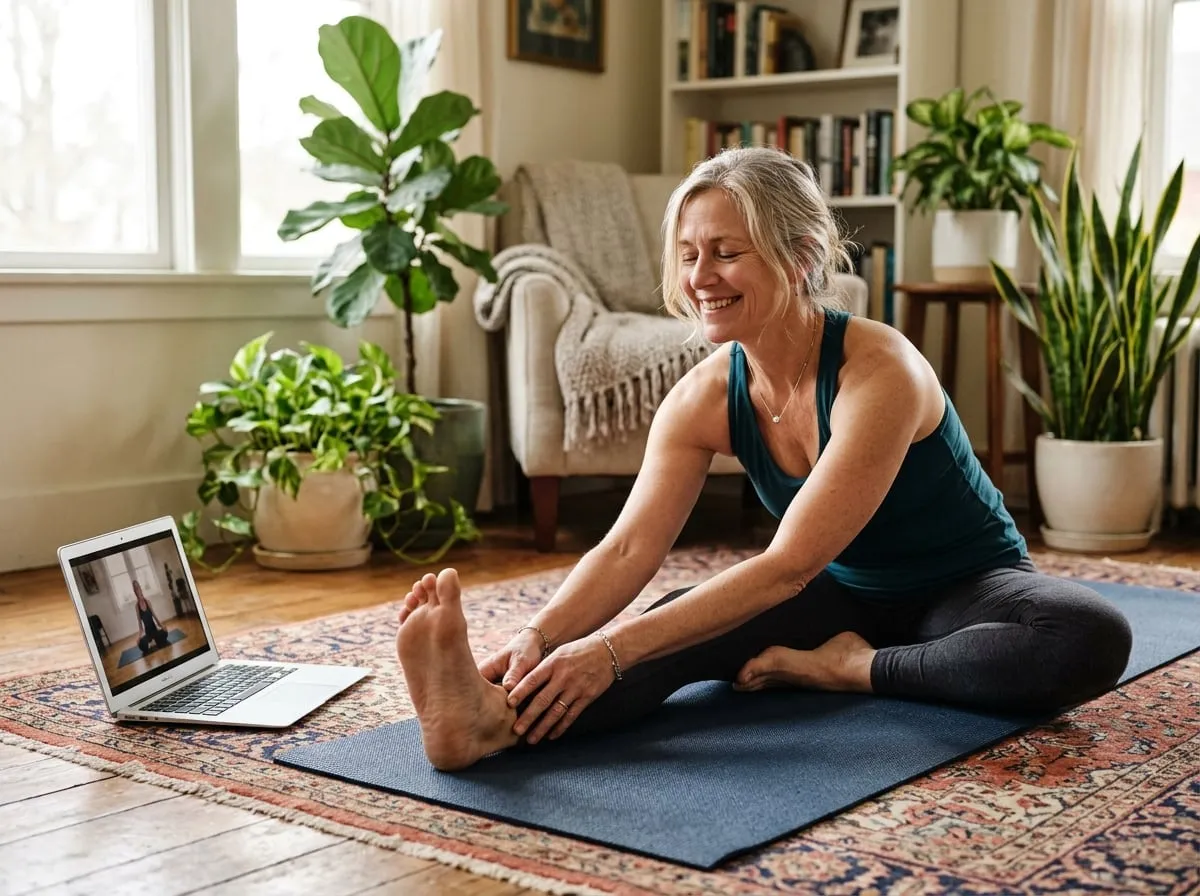
Choose your plan for after the trial
Every plan starts with 14 days free. Change or cancel any time.
Northside Online
$24 per month
- 400+ on-demand classes
- 3 live-streamed classes a week
- Programs and challenges
- Watch on any device
Studio Unlimited
$139 per month
- Unlimited studio classes
- Northside Online included
- 10% off workshops
- Free towel service
Studio 8
$99 per month
- 8 studio classes a month
- Northside Online included
- Unused classes roll over one month
- Bring a friend free once a month
What our members say
I'd never done yoga before and was nervous about being the only beginner. The instructors made me feel at home on day one. That was two years ago.
The online classes saved me last winter. I do a 20-minute flow before work at home and come to the studio on Saturdays.
Strength classes that are actually coached, not just a playlist and a timer. My back pain is the best it's been in years.
Trial questions
Will I be charged during the trial?
No. We ask for a card when you sign up so your plan can start smoothly if you decide to stay, but nothing is charged until day 15.
How do I cancel?
From your account page, any time during the 14 days. It takes two clicks and you'll get an email confirming it.
I'm not very fit. Is that OK?
Absolutely. Most of our members started as beginners. Look for classes marked Foundations or Gentle, and tell your instructor if it's your first time.
Can I try online only?
Yes. Choose the Northside Online plan and your trial covers every on-demand and live-streamed class.
Where do I park?
There's free street parking on Central Avenue and a free lot behind the studio after 5pm and on weekends.
Your first class is closer than you think
Join Northside Yoga & Fitness free for 14 days and see how good you can feel in two weeks.
Use this page
Make it yours in a few minutes
- Find it in your Control Panel. Go to Content > Page Library and search for "Free trial offer".
- Add it to your site. Choose a title and a department. The page arrives as a draft, with its pictures copied to your site and your site's name already in place.
- Change the words and pictures. Open it in the page builder, replace the sample text and images with your own, and make it live when you are ready.