
Maintenance notice
Page Library
Maintenance notice
A page to show while your site is down for planned work, such as a redesign, a move to new hosting or an upgrade. A countdown shows exactly when you expect to be back, a short note explains what is changing and why it is worth the wait, and contact details cover anything urgent. Set the countdown to your own finish time, change the list of improvements, and switch the page on just before the work begins.
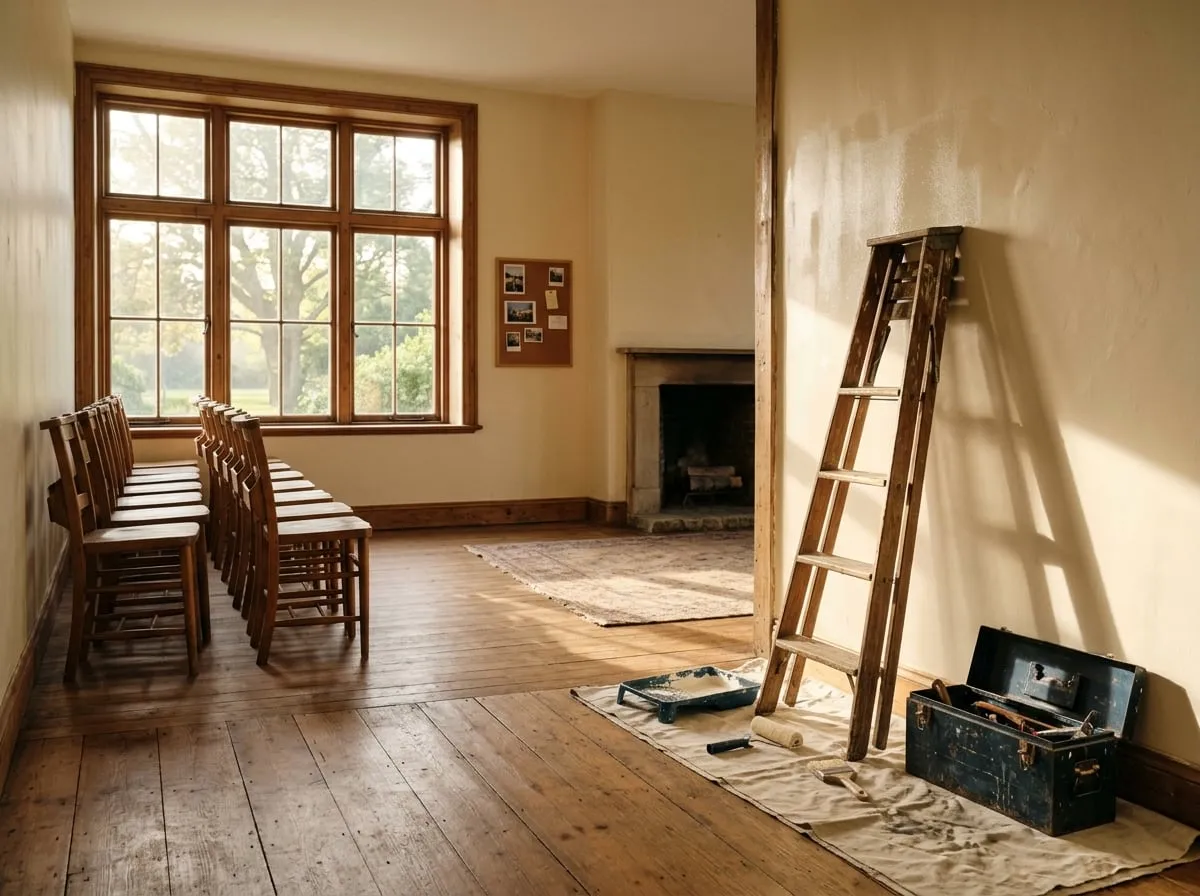
Scheduled maintenance
We're making Harborview Members Club even better.
The site is offline for a few hours while we finish some planned improvements. Your account, membership and saved content are all safe.
We'll be back in
What we're working on
A little downtime now for a faster, friendlier site afterward.
Faster pages
We're moving to new servers, so the library and forums will load noticeably quicker.
Better search
Search will look through articles, videos, downloads and forum posts in one go.
Stronger security
We're updating how sign-in works to keep every member account safe.
Need us before then?
Our team is still at work. For anything urgent, such as a payment question, get in touch and we'll reply as soon as we can.
Use this page
Make it yours in a few minutes
- Find it in your Control Panel. Go to Content > Page Library and search for "Maintenance notice".
- Add it to your site. Choose a title and a department. The page arrives as a draft, with its pictures copied to your site and your site's name already in place.
- Change the words and pictures. Open it in the page builder, replace the sample text and images with your own, and make it live when you are ready.