
Donate page
Page Library
Donate page
A donate page for a community nonprofit that wants gifts to feel concrete. It opens with a photo hero, shows what $25, $75 and $250 pay for, backs that up with a few numbers, and asks for monthly support through your own membership plans. A short story from one family and a list of other ways to give round it out. Change the gift levels to match your real costs, swap in your own photos and story, and set up monthly giving plans before you publish.
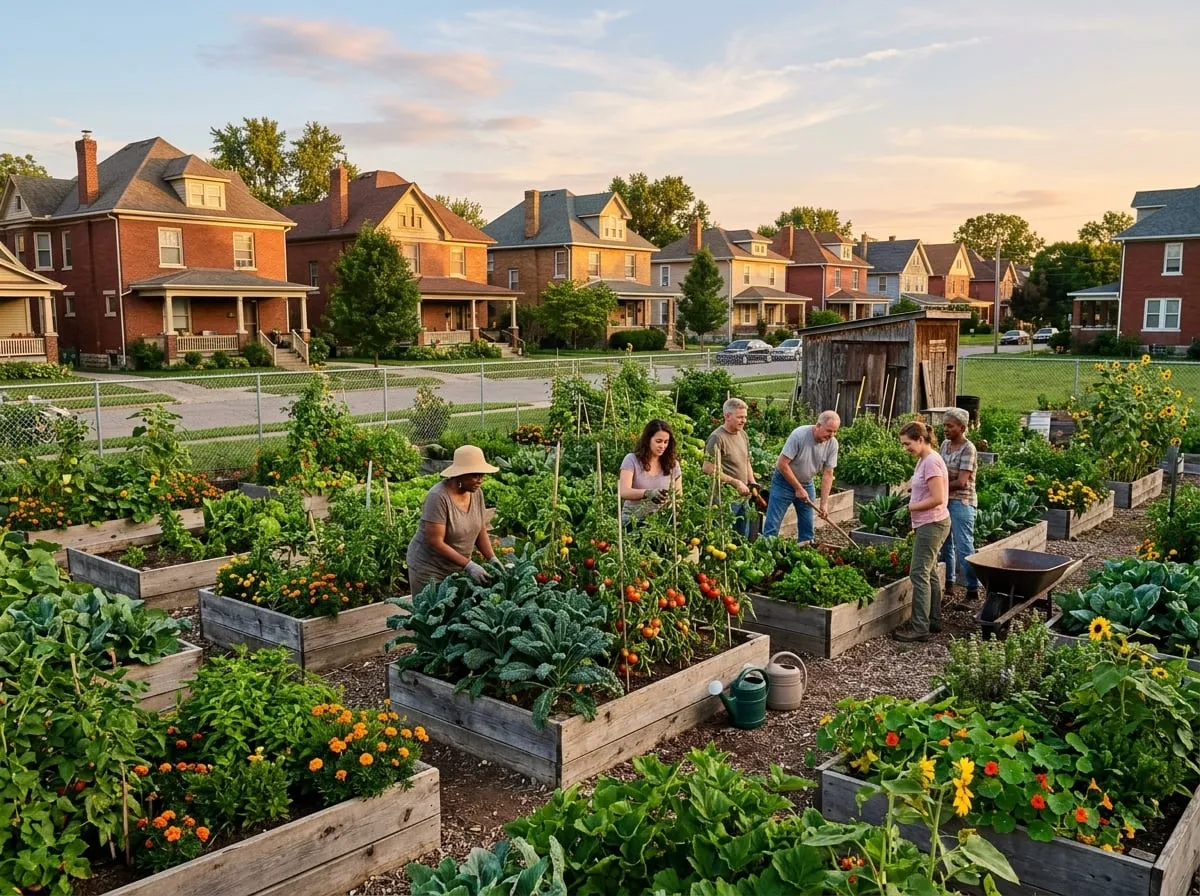
Give to Riverbend Community Gardens
Grow food, and neighbors, in Columbus
Every gift keeps six gardens open, puts tools in young growers' hands and sends fresh vegetables to families who need them most.
Real costs, real results
What your gift does
We priced these from last season's budget, so you know exactly where your money goes.
$25 plants a bed
Seed, starts and compost for one raised bed, enough to grow around 60 pounds of vegetables over a season.
$75 equips a young grower
Gloves, a hand trowel, a harvest journal and a weekly snack for one teen in our Youth Growers program for the summer.
$250 feeds families all summer
Covers the harvest share deliveries from one garden to the South Side Community Pantry for twelve weeks.
Monthly giving
Become a monthly Garden Keeper
Monthly gifts let us buy seed in bulk in January and plan the season with confidence. Change or stop your gift at any time.
Seedling
$10 per month
- Plants two beds a year
- Seasonal garden newsletter
- Invitation to the fall Harvest Supper
Garden Keeper
$25 per month
- Sponsors one family plot each season
- Everything in Seedling
- Your name on the garden donor board
- Early sign-up for workshops
Harvest Circle
$60 per month
- Funds a summer of food-bank deliveries
- Everything in Garden Keeper
- A private tour with our garden managers
- Year-end impact report
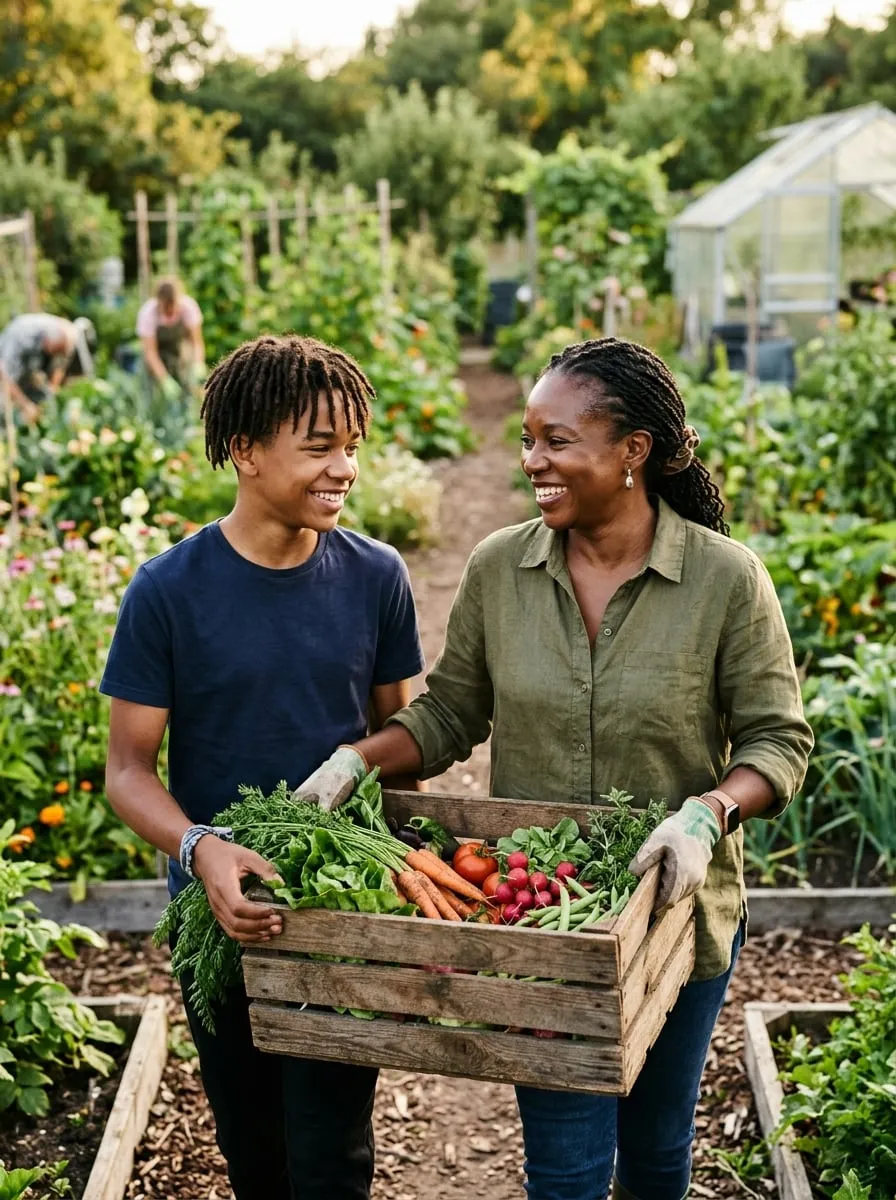
A Riverbend story
"The garden gave us more than tomatoes"
When Danielle Moore moved to the Hilltop with her two boys, the nearest full grocery store was a two-bus trip away. A neighbor told her about the Sullivant Avenue garden, and by June the family was growing peppers, collards and more zucchini than they knew what to do with.
Her older son, Marcus, joined Youth Growers the next summer. He now runs the garden's compost station and teaches the younger kids how to test soil. "He comes home talking about nitrogen," Danielle laughs. "I never thought I'd hear that."
Gifts from people like you paid for the Moores' plot, Marcus's program place and the tools they borrow every week.
Other ways to give
Not every gift is a donation form. Here are a few more ways to help the gardens grow.
I give $25 a month because I can drive past the Linden garden and see exactly what it is doing. Nothing I give to has felt this local.
Help us plant the 2027 season
Riverbend Community Gardens is a registered 501(c)(3) nonprofit. Your gift is tax-deductible to the extent allowed by law.
Use this page
Make it yours in a few minutes
- Find it in your Control Panel. Go to Content > Page Library and search for "Donate page".
- Add it to your site. Choose a title and a department. The page arrives as a draft, with its pictures copied to your site and your site's name already in place.
- Change the words and pictures. Open it in the page builder, replace the sample text and images with your own, and make it live when you are ready.