Tutorial
How to block a user from accessing your site withing the Control Panel is shown below. This feature allows you to block someone from accessing your site based on their IP address or email address.
To Block a User
Click on each section to expand for more information
The Block User function can be found under Reporting Security Block User
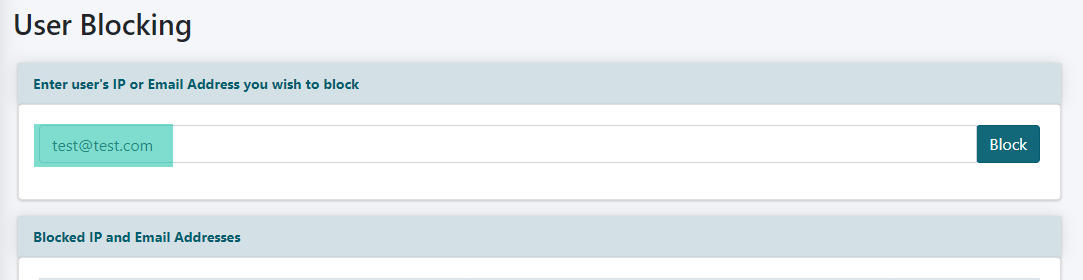
In the "User Blocking" area, enter the user's IP address or email address to block the user from logging into the site.
In this example, we block a user with their email address.
Enter the user's email address and click the button:
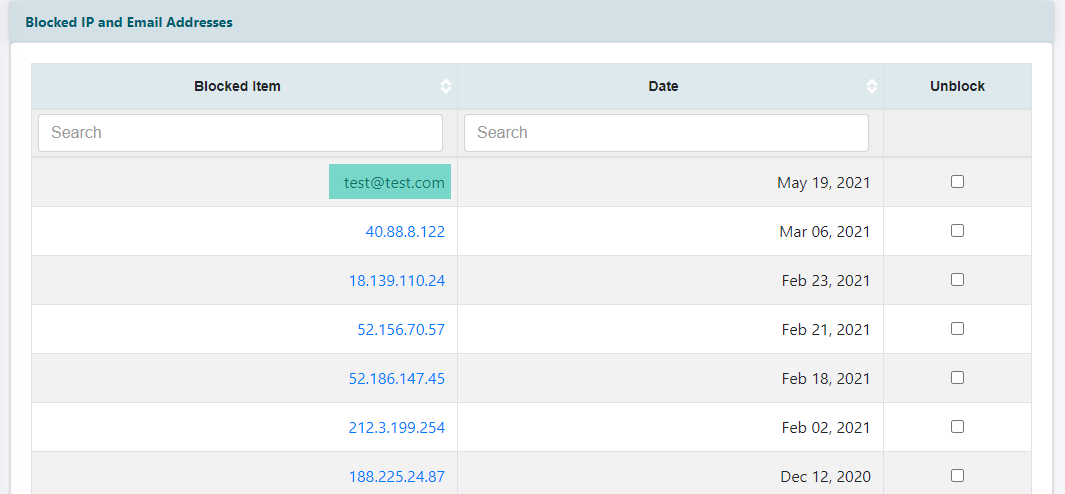
After clicking the "Block" button you will receive a message that the email address has been successfully blocked and the user's email address will appear in the blocked users list.
Please note:
An IP block prevents a person from logging into your site, even if the user has the correct login information. It doesn't completely prevent them from the seeing the site.
This means that the user could reach your login page but regardless of what combination they try on the login page, they won't get through.
Blocking an IP looks like this:

To Unblock a User:
Click on each section to expand for more information
The Block User function can be found under Reporting Security Block User
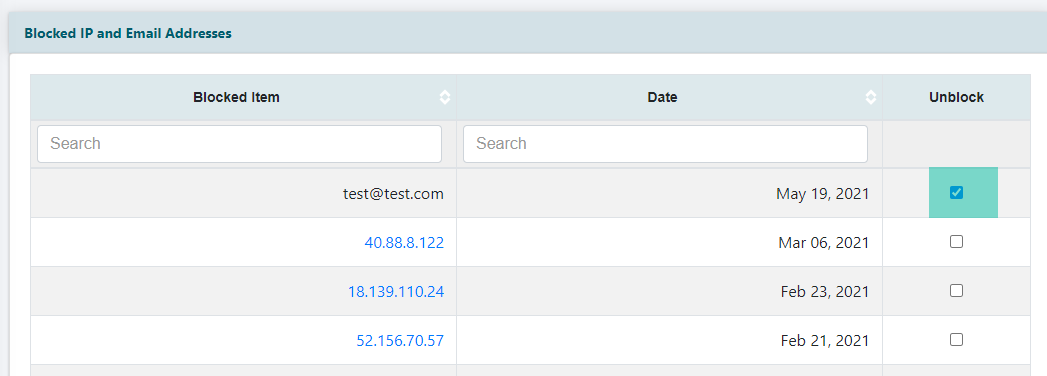
Select the "Unblock" checkbox next to the user you wish to unblock and click the button found at the bottom of the page.
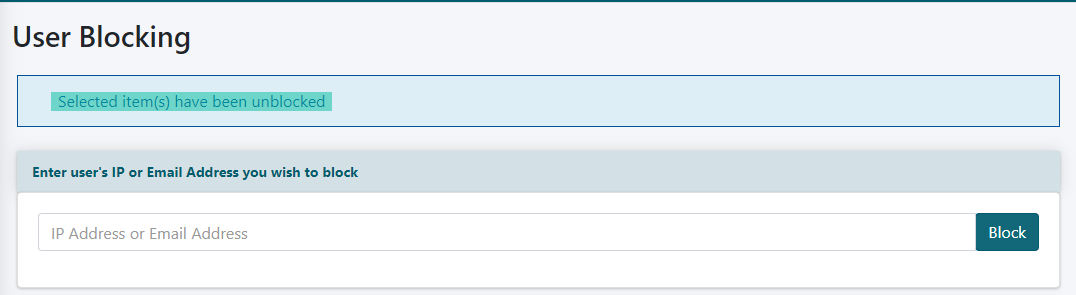
You will receive a message that the user has been unblocked successfully.