
Features
Organize Content with Custom Page Types
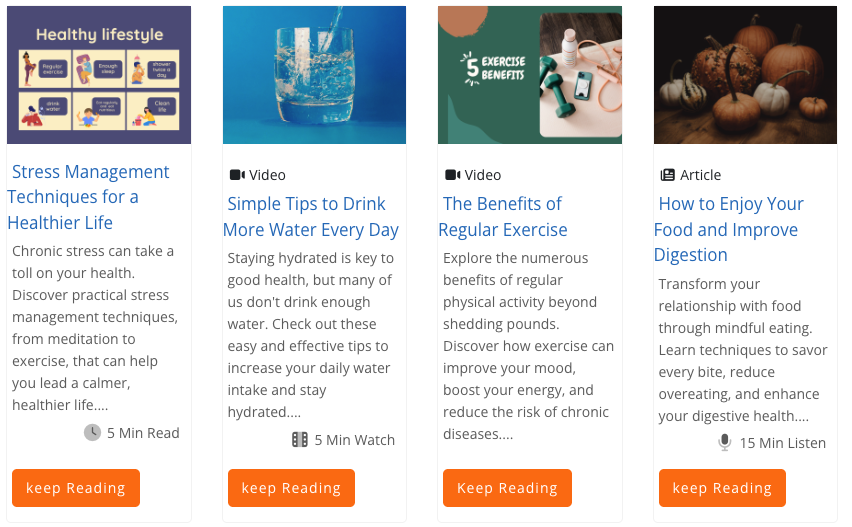
MemberGate now includes a new categorizing feature called Content Page Types, giving site owners another way to organize content and improve the search experience for visitors.
With Content Page Types, you can create your own content categories and assign them to individual content pages. These categories can represent the type of content being offered, such as articles, videos, downloads, audio files, guides, tutorials, or any other format that makes sense for your site.
Once Content Page Types are assigned, visitors can use them as filters on the search page. This makes it easier for someone to narrow results based on the kind of content they are looking for. For example, a visitor who only wants downloadable resources can filter for downloads, while someone looking for video content can quickly find pages marked as videos.
This feature is especially helpful for sites with large content libraries. Instead of relying only on keywords, departments, or general search results, Page Types add a practical layer of organization based on content format. That means users can find what they need faster, and site owners can present their content in a more structured and useful way.
By giving visitors more control over how they browse and search, Page Types help improve content discovery, reduce frustration, and make your site feel easier to navigate.