
Articles tagged with knowledgebase
Give members a flexible break without canceling their plan. This tutorial shows you how to pause billing and access, then automatically restart it when the pause ends....Read More
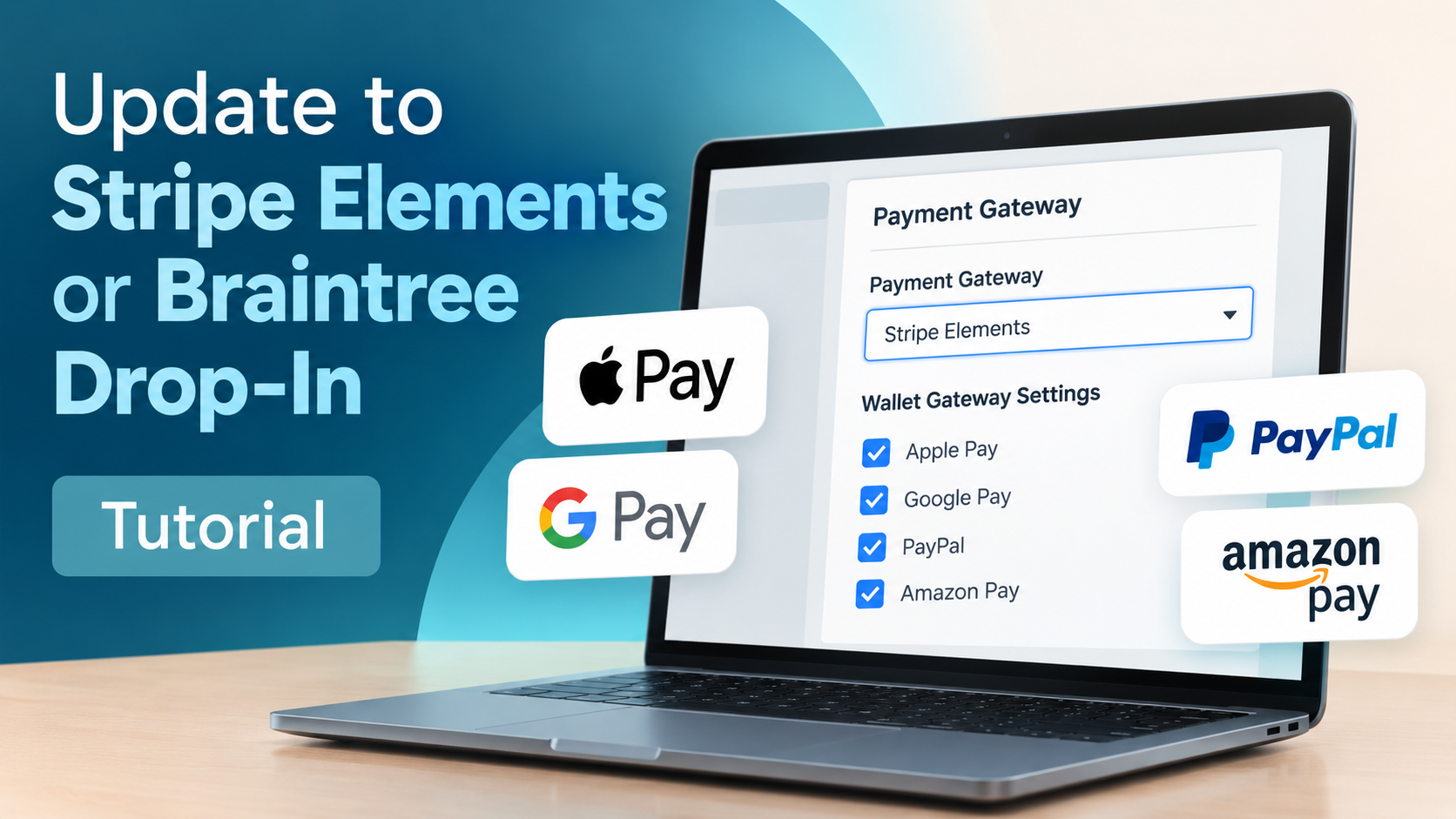
Update to Stripe Elements or Braintree Drop-In, enable additional wallet payment options, and register your domains to complete the setup....Read More
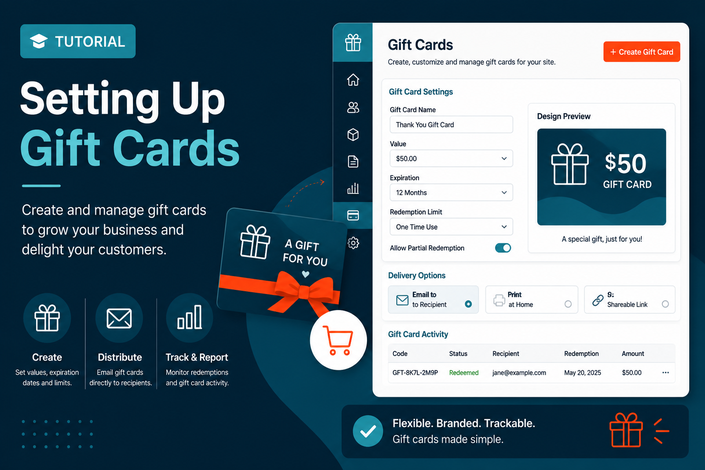
Learn how to create gift cards, customize purchaser emails, manage issued cards, and run reports to track gift card activity....Read More
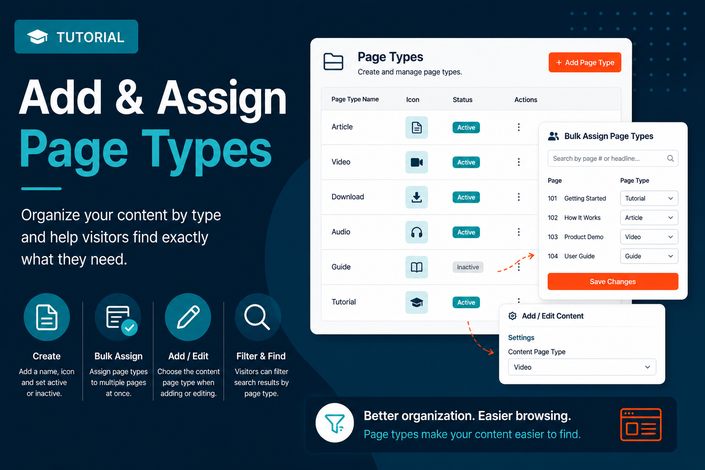
Learn how to create Content Page Types, add icons, assign them in bulk, and use them to help visitors filter content by format on the search page....Read More
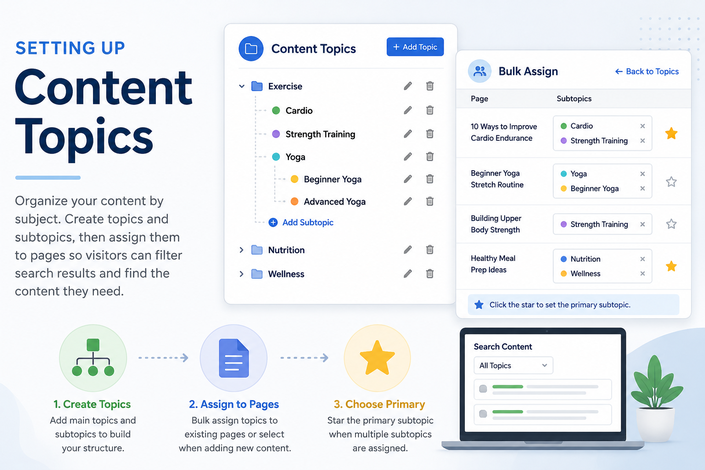
Learn how to create Content Topics and subtopics, assign them to content pages in bulk, and choose a primary subtopic to help visitors filter search results more easily....Read More
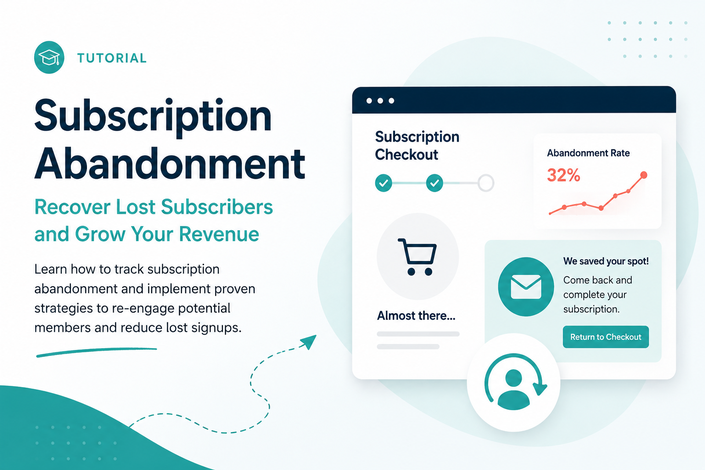
Learn how to set up subscription abandonment emails, customize follow-up messages, and review reporting to track recoveries and email performance....Read More
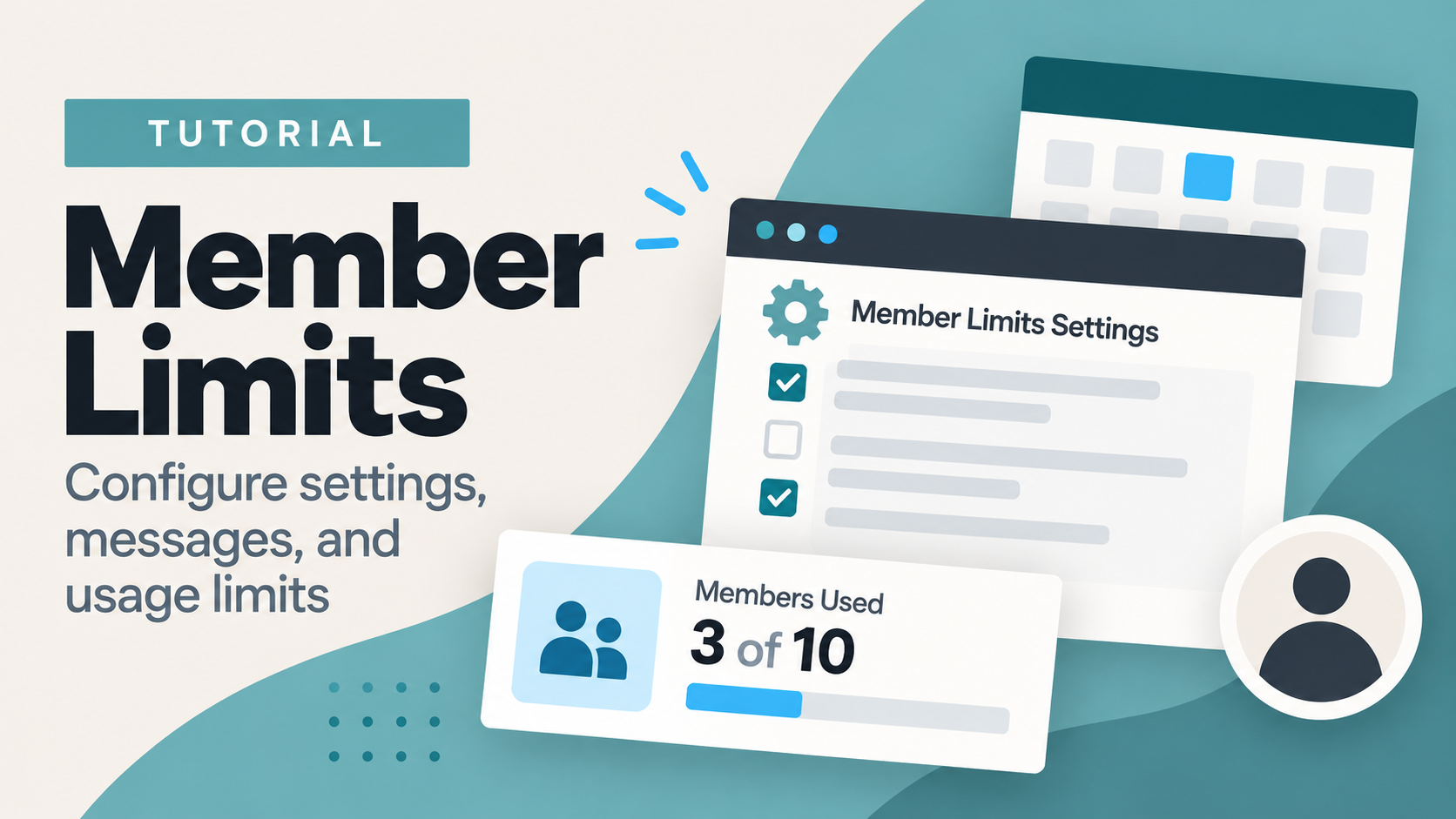
Set up Member Limits to control how members use selected resources, customize what happens when limits are reached, and manage allowances for your site....Read More
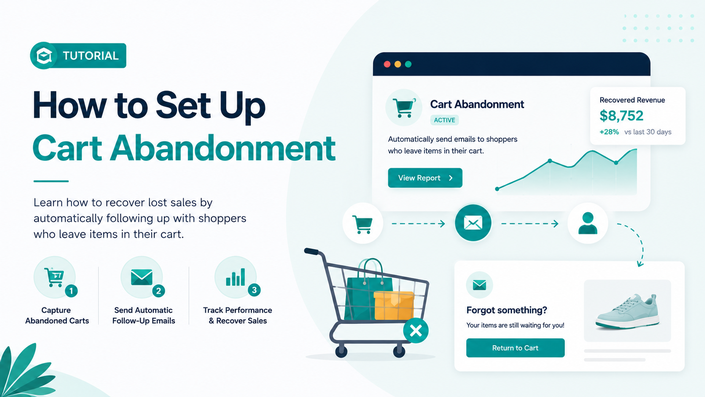
Learn how to set up cart abandonment emails, customize follow-up messages, and review reporting to track recovered purchases and email performance....Read More
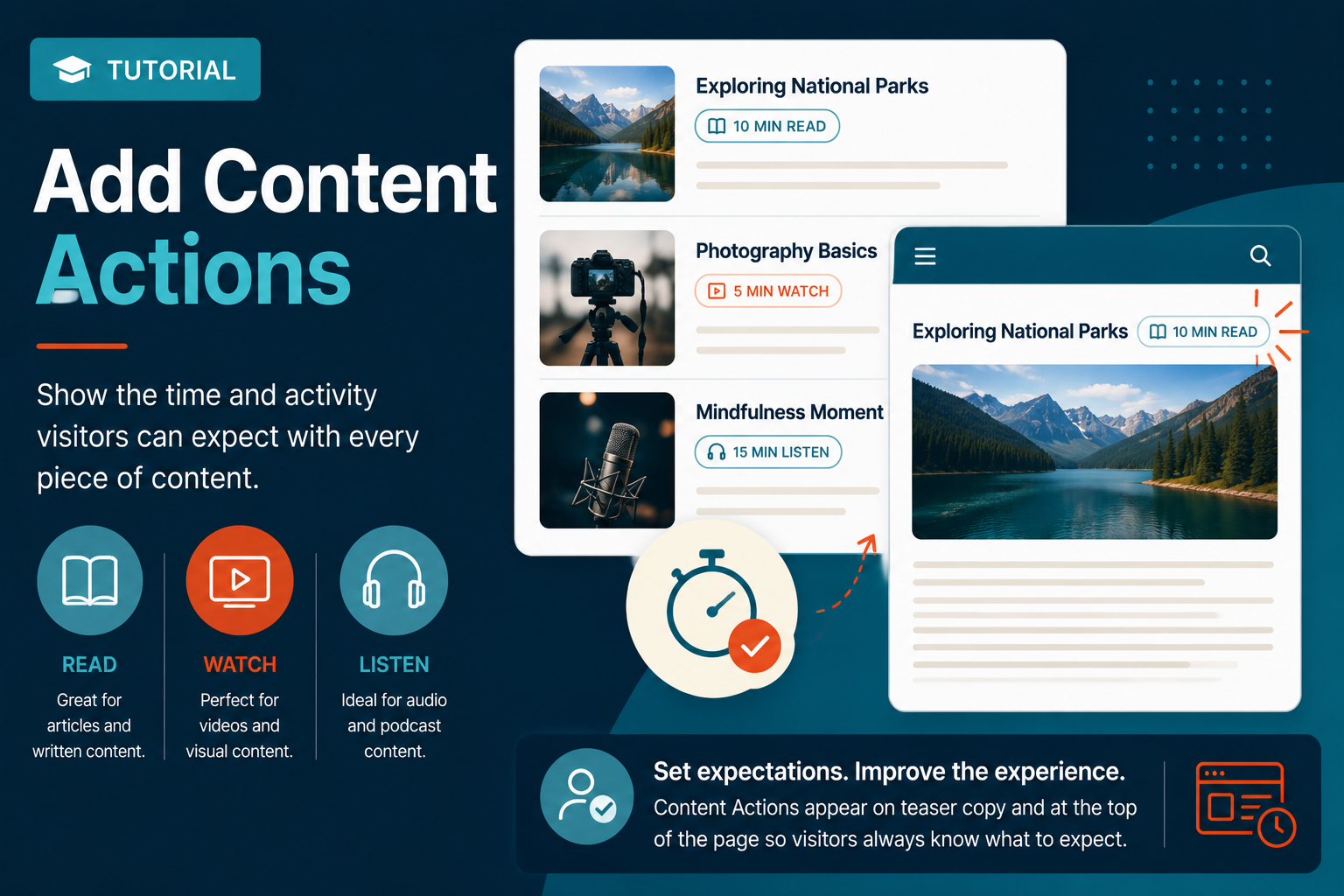
Learn how to create Content Actions, assign them to content pages, and display helpful time labels like “10 minute read,” “5 minute watch,” or “15 minute listen” on teasers and content pages....Read More
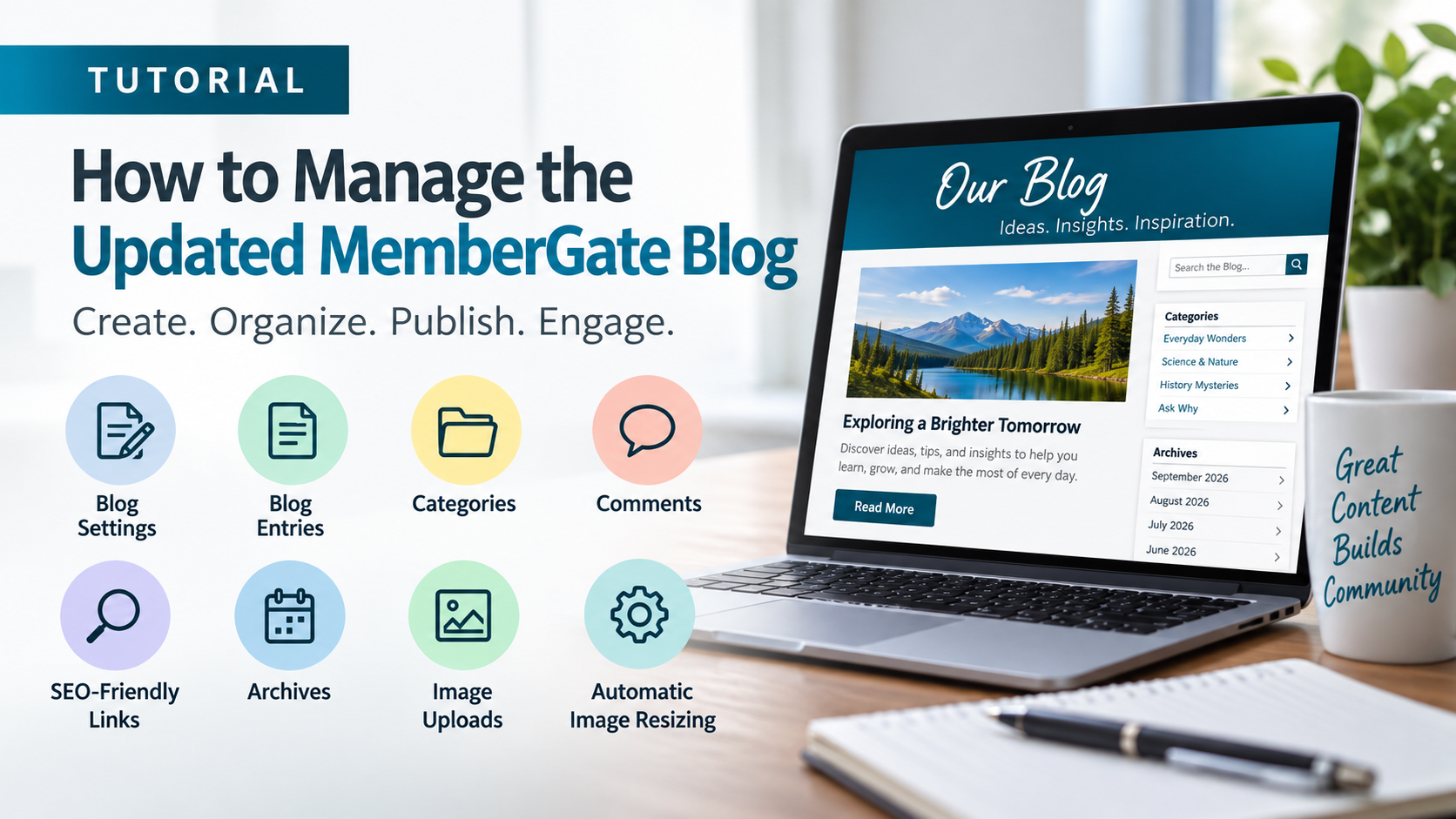
Learn how to set up and manage the updated MemberGate blog, including blog settings, entries, categories, comments, SEO-friendly links, archives, and improved image handling....Read More
Send a custom thank you or other message for specific shopping cart products. This allows a more personalized shopping experience and ability to get targeted information to your customers....Read More
Keep your forums respectful and on track. Discover how to block access for individual users while preserving their other member privileges....Read More
Whether you're selling digital downloads, courses, or exclusive member-only access, the shopping cart helps you boost conversions, increase order values, and streamline your entire sales process. Explore the smart features designed to make every transaction count....Read More
Adding personalized support to your LMS dashboard is easy with the LMS Help Tab. Find the instructions to add this to your dashboard in this informative tutorial....Read More
Streamline your member's cancellation process by allowing them to bypass re-entering their password to cancel their account....Read More
Updating Passwords The password for an email address can be managed in 'Email Settings' on the right nav panel of the control panel. Click on the cog icon on the top right of the control panel to open the nav bar. Master Settings Email Settings In the 'Email Accounts' section, clic...Read More

Survey results can help provide valuable feedback about your members. Follow these instructions to learn how to add one to the cancellation process....Read More

Transform active members into community celebrities! Discover how spotlighting your members not only celebrates their achievements but also energizes your entire community, fostering deeper connections and increased engagement....Read More
Discover the 10 essential features your membership site needs—and how MemberGate makes it easy to grow and retain happy members!...Read More